Pause Menu - Make your server feel more branded
- Instant Download & Installation
- Optimized Performance
- Resmon 0.00ms - 0.01ms
- Lifetime Support Included
- QB / ESX / QBOX Compatible
7-Days money back guarantee
T&Cs
We do not offer refunds unless there is an issue caused by our resource which we are unable to resolve.
Support available 24 hours on Discord
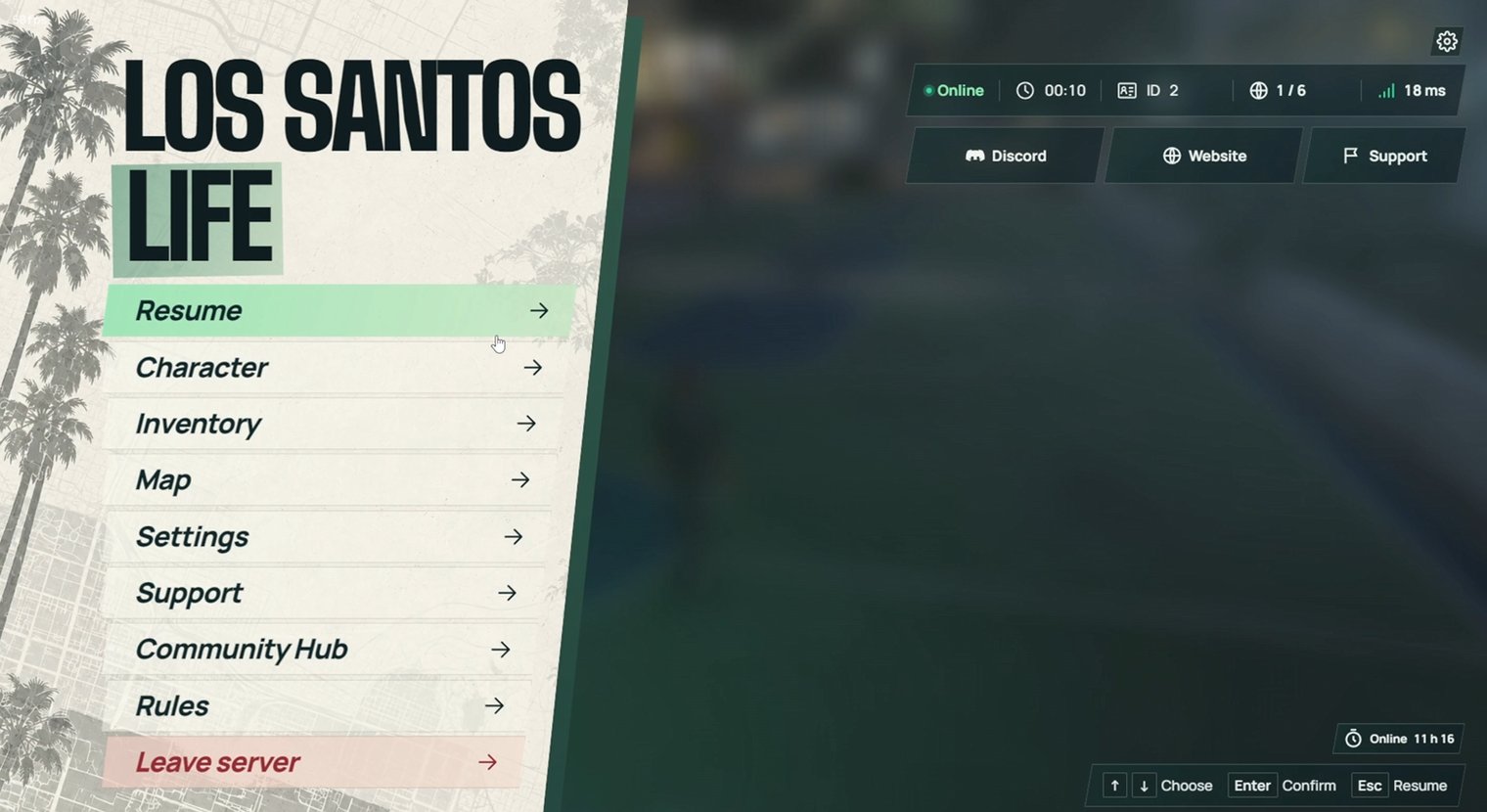
A Pause Menu Built for Your Server
Give players a clear home for everything they need: character, inventory, map, settings, support, and community links. Your server branding, live status, and announcements stay visible over a softly blurred game world.
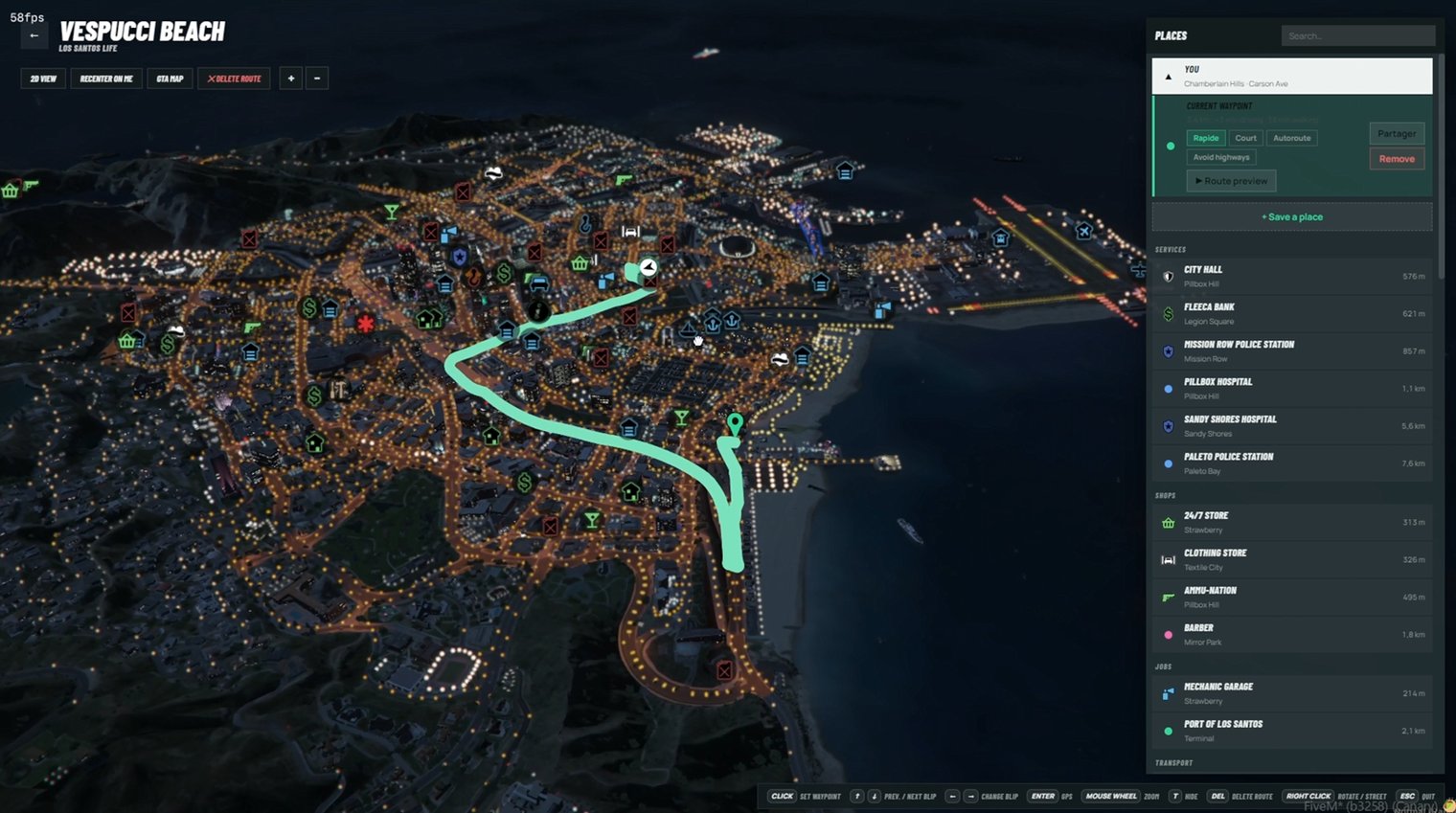
Explore Los Santos in 3D
Plan routes across a live 3D view of the city. Players can browse nearby places, manage waypoints, save locations, and share destinations without leaving the pause menu.
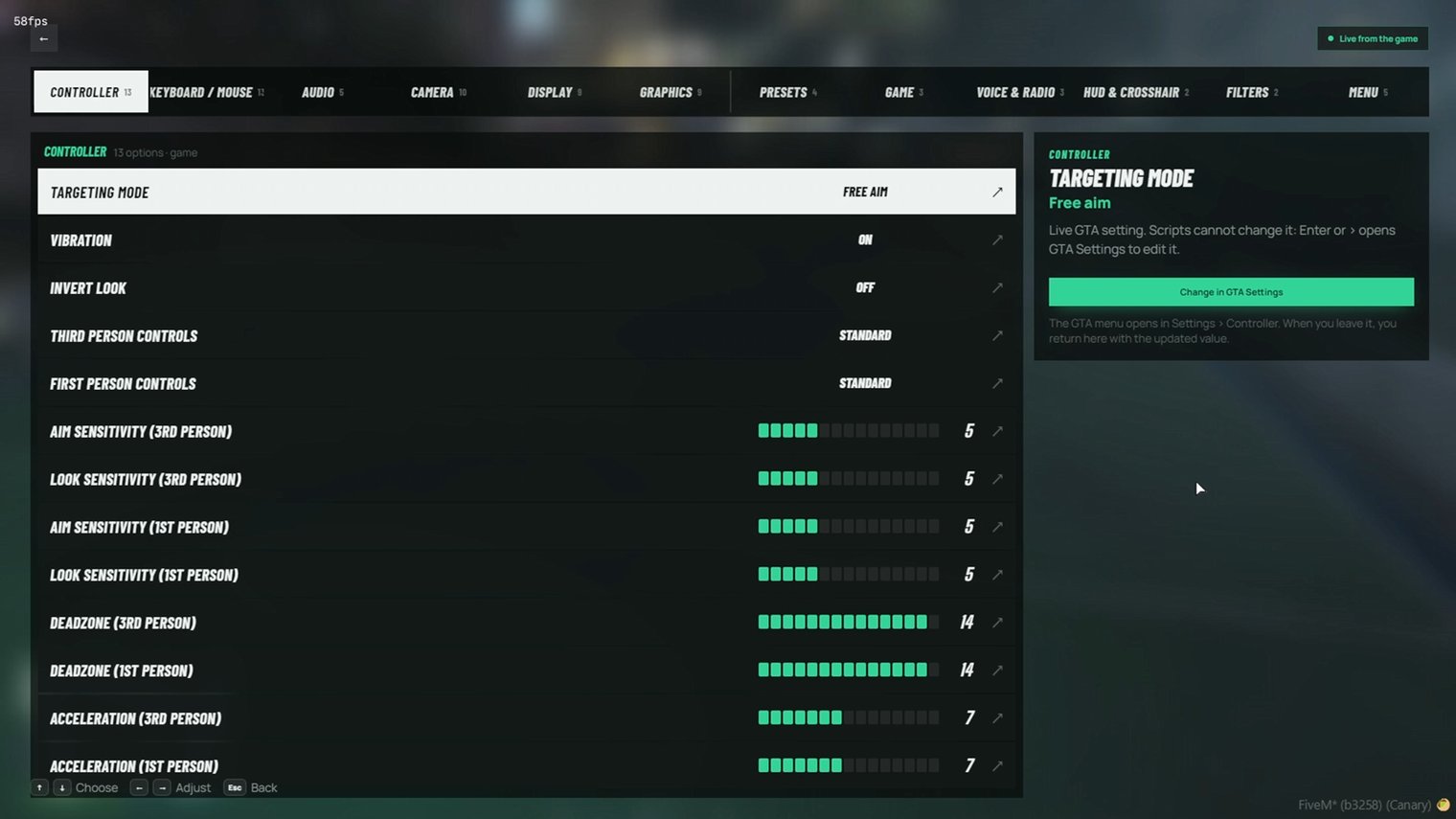
Settings in One Place
Bring controller, audio, camera, graphics, and server preferences into one organized interface. Players can see their current values and find the setting they need quickly.
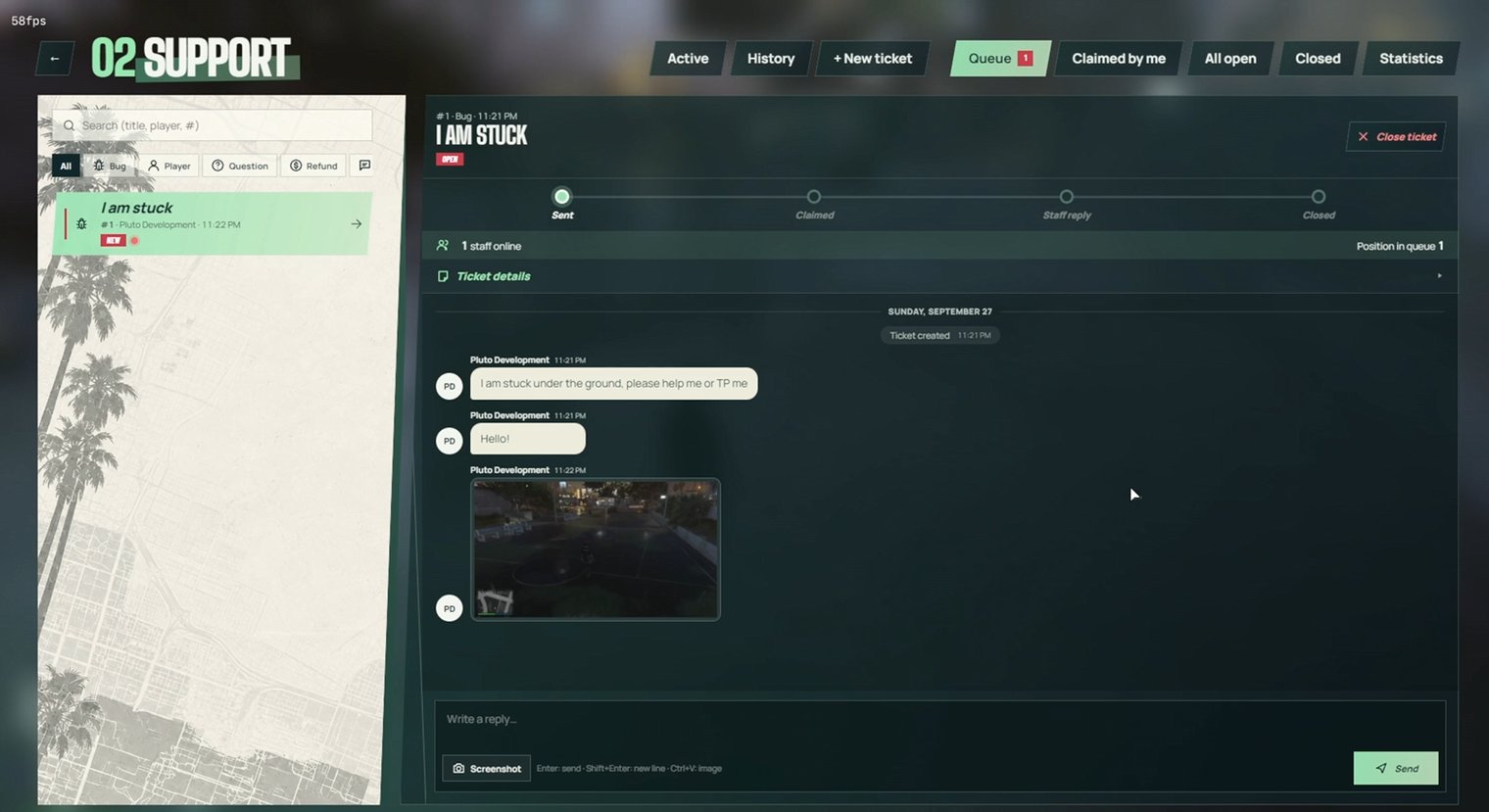
Support That Stays in the Game
Let players submit tickets with details and screenshots, then follow replies in a conversation view. Staff can manage the queue, track each ticket's progress, and respond from the same menu.
-
A Pause Menu Built for Your Server
Give players a clear home for everything they need: character, inventory, map, settings, support, and community links. Your server branding, live status, and announcements stay visible over a softly blurred game world. -
Explore Los Santos in 3D
Plan routes across a live 3D view of the city. Players can browse nearby places, manage waypoints, save locations, and share destinations without leaving the pause menu. -
Settings in One Place
Bring controller, audio, camera, graphics, and server preferences into one organized interface. Players can see their current values and find the setting they need quickly. -
Support That Stays in the Game
Let players submit tickets with details and screenshots, then follow replies in a conversation view. Staff can manage the queue, track each ticket’s progress, and respond from the same menu.